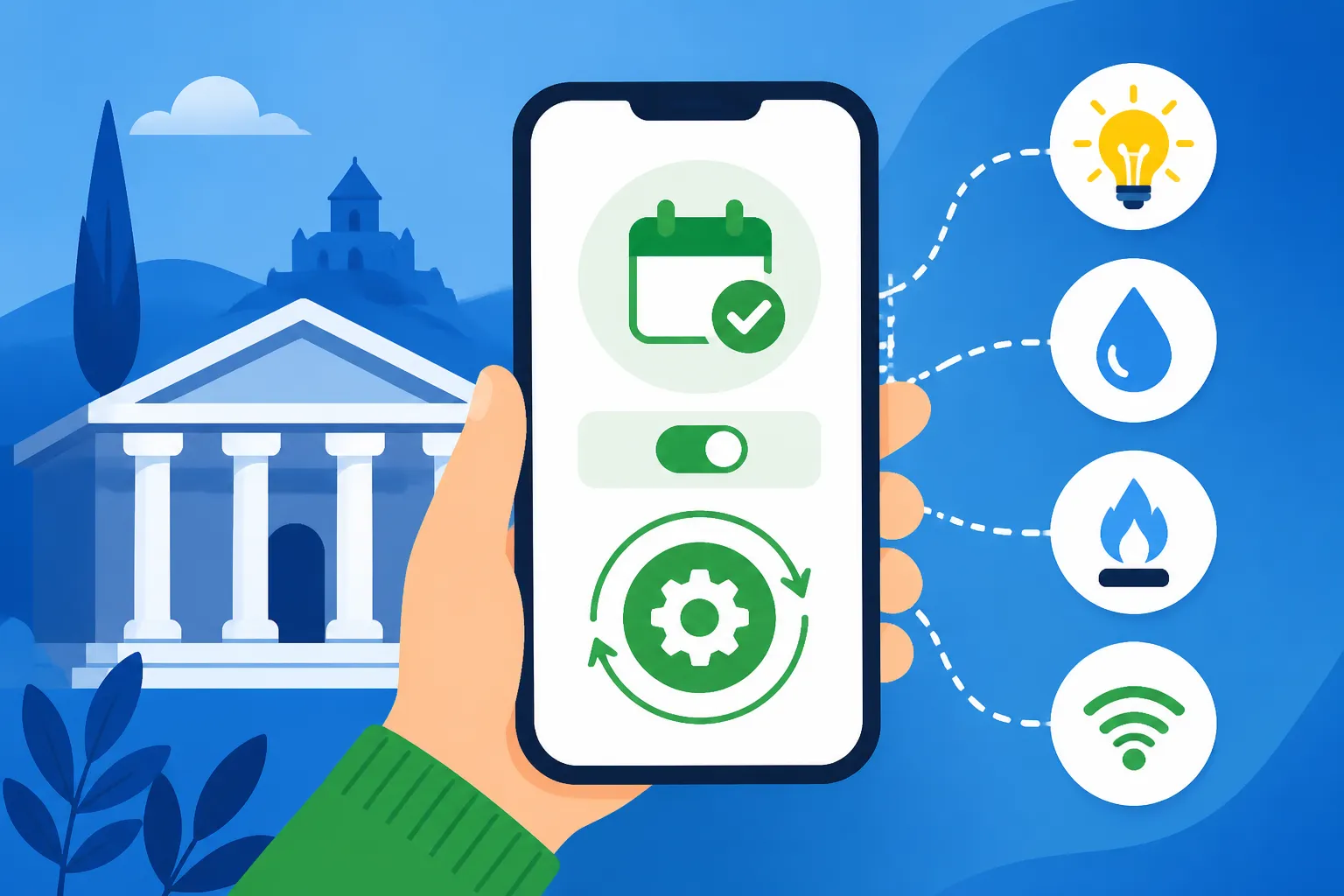
How Do I Set Up Automatic Bill Payments at a Georgian Bank?
Oh, the joy of moving to a new country! You’ve finally landed in Georgia, found a fantastic apartment (maybe even battled a few landlords to get there), and now comes the next great adventure: navigating the labyrinth of monthly bills. If you’re anything like me when I first arrived, you’re probably wondering, "How on earth do I make sure these payments happen automatically without constant manual effort or forgetting something vital?" It’s a common expat headache, trust me. This guide is here to walk you through the practical steps of setting up automatic bill payments at a Georgian bank, so you can enjoy your life here without the monthly bill-paying stress.
Understanding the Georgian Payment Landscape for Expats
When you first arrive in Georgia, especially if you're coming from a country with highly integrated online banking and seamless direct debits, the local system might feel a little… different. It's not necessarily harder, just different, and it definitely requires a bit of an adjustment period and some proactive setup.
Initial Hurdles and What to Expect
One of the first things you’ll notice is the prevalence of paper bills. Yes, paper! For utilities like electricity, gas, and water, don't be surprised if a physical bill is slipped under your door or left in a common mailbox area. This can be a bit of a shock if you're used to everything being digital. The good news is that these paper bills usually come with a unique subscriber code that you'll use for payments. Without a robust system like direct debits being universally available for every single bill, you need to proactively set up payments yourself.
The biggest hurdle for many expats initially is simply understanding who to pay and how often. Service providers don't always communicate in English, and the payment cycles can vary. Electricity might be monthly, gas might be based on usage, and building maintenance might be a fixed fee collected by a management company that you have to pay directly, often without any online integration. This is why having a reliable Georgian bank account and understanding its online banking capabilities becomes absolutely critical. It’s not just about convenience; it’s about managing your financial life efficiently in a new country.
Key Players in Georgian Banking
When it comes to banking in Georgia, two names dominate the scene: Bank of Georgia and TBC Bank. Both are major financial institutions, widely used by both locals and expats, and they offer a broad range of services, including robust online and mobile banking platforms. If you haven't already, getting yourself set up with an account at one of these is typically your first step toward smoother financial management.
Many expats find that these banks are quite expat-friendly, often having English-speaking staff and English interfaces for their online services. While the initial account opening process might feel like a bureaucratic marathon – collecting documents, waiting in queues, and proving your intent – it’s a foundational step that will save you countless headaches down the line. Knowing how to open a bank account at a Georgian bank as a foreigner is a crucial piece of the puzzle, and understanding the difference between TBC and Bank of Georgia can help you choose the one that best suits your needs. These banks are your primary gateway to automating your monthly obligations, making sure your utilities, internet, and other recurring payments are handled without a hitch.
Step-by-Step Guide to Setting Up Automatic Bill Payments
Alright, let's get down to brass tacks. Setting up automatic payments isn't always as straightforward as checking a box, but it's entirely doable with a bit of patience and knowing where to look. The key is leveraging your bank's online services, which are surprisingly good once you get the hang of them.
Getting Your Bank Account Ready
Before you can even think about auto-payments, you need a fully functional Georgian bank account with online banking access. This means:
- Account Opening: You’ve successfully opened an account with either Bank of Georgia or TBC Bank. This usually requires your passport, proof of address (sometimes a rental contract or even a letter from your landlord suffices), and sometimes an explanation of your source of funds. Make sure your account is set up for online access and you have all your login credentials.
- Activating Online Banking: Once your account is open, activate your online banking portal and mobile app. Most banks in Georgia offer excellent mobile apps that are incredibly user-friendly, often with English language options. If you're struggling, don't hesitate to ask bank staff for assistance to set up online banking with a Georgian bank. They are generally helpful, even if you need to bring a translation app to bridge the language gap.
- Sufficient Funds: This might sound obvious, but for automatic payments to work, you need money in your account! If you're earning in a foreign currency or receiving payments from abroad, you’ll need a reliable way to get those funds into your Georgian account. Services like Wise can be invaluable for transferring money into and out of Georgia as an expat without losing a huge chunk to fees and unfavorable exchange rates. It's often much cheaper than traditional bank wires.
Navigating Online Banking Portals
Once your online banking is humming, it's time to dive into the "payments" section. Both Bank of Georgia and TBC Bank offer similar functionalities, often referred to as "utility payments," "auto payments," or "scheduled payments."
Here’s a general walkthrough:
- Log In: Access your bank's online portal or mobile app.
- Find the Payments Section: Look for a menu option like "Payments," "Utilities," "Bills," or "Templates." In TBC, it's usually under "Payments" -> "Utility Payments." In Bank of Georgia, it might be "Payments" -> "Pay Utilities" or "Auto Payments."
- Identify Your Provider: You'll see a list of common utility providers. These include electricity companies (like Telasi for Tbilisi, or Energo-Pro Georgia for other regions), gas providers (often KazTransGas Tbilisi or regional gas companies), water providers (like Georgian Water and Power – GWP), and internet/TV companies (Magti, Silknet, Cellfie).
- Enter Subscriber Details: This is where those paper bills come in handy. Each utility account will have a unique subscriber ID or code. You'll need to input this accurately. Double-check every digit! If you make a mistake here, your payment might go to the wrong account or fail entirely.
- Set Up Auto-Payment: Look for an option to "Auto Pay," "Subscribe to Automatic Payment," or similar.
- Frequency: For utilities, this is usually monthly.
- Limit: Some systems allow you to set a maximum payment amount. This is a good safeguard against unexpected large bills due to errors or overconsumption.
- Payment Date: Choose when in the month you want the payment to be processed. Many expats choose a few days after their salary usually arrives.
- Confirmation: You'll likely need to confirm with a one-time password sent to your registered phone number.
Once set up, the system will typically pull the due amount from your account automatically each month, as long as there are sufficient funds. It’s a huge relief to know your power, water, and internet bills are being handled without manual intervention.
Alternative Methods: Payment Terminals and Mobile Apps
Even with automatic payments, there might be situations where you need an alternative.
- Payment Terminals (Pay Boxes): These ubiquitous self-service terminals (often branded "NovaTechnology," "PayBox," or "TBC Pay") are everywhere – in supermarkets, metro stations, and on street corners. They're incredibly useful for one-off payments, topping up mobile credit, or paying bills that aren't easily automated through your bank. They usually have an English option, and you simply select the service provider, input your subscriber code, and feed in cash (or use a card at some newer terminals). They print a receipt, which you should always keep.
- Direct Provider Apps/Websites: Some larger providers, particularly internet and mobile companies like Magti or Silknet, have their own apps or websites where you can manage your account and set up payments directly. While convenient, centralizing payments through your bank's app is usually more efficient.
- Bank Teller/Service Center: For payments that are truly unique or if you’re having trouble, you can always visit a bank branch. The staff can assist you, though this is the least convenient option for regular payments.
Remember, the goal is to make your life easier. While auto-payments are fantastic, it's always good to understand these other options for when you're caught off guard.
Common Bills and How to Automate Them
Navigating the specifics for each type of bill can be tricky, as different providers have different systems. Let’s break down the most common ones you'll encounter as an expat in Georgia.
Utilities: Electricity, Gas, Water
These are the big three, and thankfully, they are generally the easiest to automate through your bank's online portal.
- Electricity:
- Providers: In Tbilisi, the main provider is JSC Telasi. Outside Tbilisi, it's usually Energo-Pro Georgia.
- Automation: Both Bank of Georgia and TBC Bank allow you to set up automatic payments for these providers. You'll need your subscriber code (აბონენტის კოდი), which you can find on any previous paper bill or by calling their customer service. You choose the specific provider in your bank's payment section, enter the code, and then select the auto-payment option. The system will then fetch the monthly amount and deduct it. It's a lifesaver, especially if you're not always home to check for paper bills.
- Gas:
- Providers: The primary gas distributor in Tbilisi is KazTransGas Tbilisi. Other regions will have their own local providers.
- Automation: Similar to electricity, your bank's online system will have an option for KazTransGas or other regional gas companies. Again, the subscriber code from your bill is essential. Set up the auto-payment, and you're good to go. Keep in mind that gas usage varies significantly with the seasons, so monitor your bills occasionally, especially in winter.
- Water:
- Providers: Georgian Water and Power (GWP) is the main provider for Tbilisi and some surrounding areas. Other municipalities have different local water companies.
- Automation: Just like electricity and gas, you can find GWP or your local water provider in your bank's utility payment section. Enter your subscriber code and enable auto-payment. Water bills are often less variable than gas or electricity, but it's still good practice to check them once in a while.
Automating these core utilities is arguably the most impactful step you can take to simplify your monthly financial routine in Georgia. For a more detailed walkthrough, you might want to read guides like How Do I Set Up Electricity After Moving to Georgia? or How Do I Set Up Water and Gas in Georgia?.
Internet and Mobile Phone Bills
In our increasingly connected world, reliable internet and mobile services are non-negotiable. Luckily, paying for these is usually quite straightforward.
- Internet and TV:
- Providers: The big players are Silknet and Magti. There are also smaller, local providers.
- Automation: Both Silknet and Magti offer excellent mobile apps and online portals where you can manage your services and set up recurring payments directly from a Georgian bank card. Alternatively, you can usually find them listed in your bank's utility payment section. You'll need your subscriber number or service ID. Setting up auto-payment here ensures you don't suddenly lose internet access in the middle of a crucial video call. Don't forget, setting up internet in your Georgia home is one of those critical first steps!
- Mobile Phone Bills:
- Providers: Magti, Silknet (Cellfie), and Beeline are the main mobile operators.
- Automation: If you have a post-paid plan, you can generally set up auto-payments through your bank or the provider's app, linking it to your bank account. For pre-paid plans, you typically top up your balance manually or set up a recurring top-up through your bank app. This ensures you always have credit for calls and data.
Rent and Other Recurring Payments
This category can be a bit trickier, as it often depends on your individual agreement and landlord.
- Rent:
- Automation: Direct debits for rent, as they exist in many Western countries, are not a standard practice in Georgia. Most landlords prefer direct bank transfers. You can, however, set up a scheduled recurring transfer through your bank’s online platform. You’ll need your landlord’s bank account number, full name, and perhaps their personal ID number (if they're an individual entrepreneur). Just make sure you understand the terms of your rental contract, including the exact date rent is due, to avoid any late payment penalties.
- Communication: Always keep lines of communication open with your landlord. If a payment is delayed, inform them immediately.
- Building Maintenance Fees (Management Fees):
- Automation: These vary wildly. In newer buildings, there might be a building management company that issues a monthly bill, which might be payable via your bank's utility section. In older buildings, it might be a cash payment to a building administrator. Always clarify this with your landlord or building management. If it’s a regular bank transfer, you can schedule it like rent.
- Other Subscriptions:
- Automation: For international streaming services or software subscriptions, these typically bill directly to your linked credit or debit card, regardless of the bank. For any local services, check if they offer a recurring payment option via a Georgian card.
Managing these less standardized payments often requires a bit more hands-on attention, but leveraging scheduled transfers through your bank's app can still alleviate a lot of the mental burden.
| Bill Type | Common Providers in Tbilisi | Automation via Bank App (Auto-Pay/Scheduled) | Typical Payment Method if Not Automated | Important Note |
|---|---|---|---|---|
| Electricity | Telasi, Energo-Pro Georgia | Yes (Auto-Pay) | Payment Terminals, Provider Offices | Requires subscriber code. |
| Gas | KazTransGas Tbilisi | Yes (Auto-Pay) | Payment Terminals, Provider Offices | Requires subscriber code. Usage fluctuates seasonally. |
| Water | Georgian Water and Power (GWP) | Yes (Auto-Pay) | Payment Terminals, Provider Offices | Requires subscriber code. |
| Internet & TV | Silknet, Magti | Yes (Auto-Pay/Scheduled) | Provider Apps/Websites, Payment Terminals | Requires subscriber ID. |
| Mobile Phone (Post-paid) | Magti, Silknet (Cellfie), Beeline | Yes (Auto-Pay) | Provider Apps/Websites | Ensure sufficient funds for monthly deductions. |
| Rent | Landlord (Individual) | Yes (Scheduled Transfer) | Manual Bank Transfer, Cash | Requires landlord's bank details. No direct debit standard. |
| Building Maintenance | Building Management / Individual | Varies (Auto-Pay or Scheduled Transfer) | Cash, Payment Terminals, Manual Transfer | Depends on building's specific setup. Clarify with landlord. |
Troubleshooting and Best Practices for Expats
Even with the best intentions and meticulous setup, things can occasionally go awry. It's Georgia, after all, and adapting to a new system sometimes means hitting a few bumps in the road.
What to Do When Things Go Wrong
One of the most frustrating things for expats is when a payment doesn't go through, or an unexpected charge appears. Here’s how to tackle common issues:
- Failed Payments: If an automatic payment fails, your bank will usually notify you via SMS or a notification in the app. The most common reason is insufficient funds. Immediately top up your account and try to re-process the payment manually through your bank app or a payment terminal. Don’t delay, as late fees can accrue.
- Incorrect Amounts: Occasionally, you might notice a bill is much higher or lower than expected. First, check your usage (e.g., electricity meter readings) if possible. If it still seems wrong, gather your previous bills and contact the service provider directly. This can be challenging due to language barriers, so consider asking a Georgian friend for help or using a translation app. For more general financial assistance, resources like Taxes for Expats can often provide guidance on navigating local financial systems.
- Language Barrier: This is the big one. Most customer service lines for utility providers will primarily operate in Georgian. If you need to speak to someone, try visiting a service centre in person, as there’s a higher chance of finding an English speaker. Many larger companies like Magti and Silknet do have English-speaking support lines, so always check their website first.
- Lost Paper Bills: If you rely on paper bills to find your subscriber code and a bill doesn't arrive, don't panic. You can often get your subscriber code from your landlord, a previous bill, or by calling the provider and giving them your address. Most online banking portals also allow you to see past bills once you've linked your subscriber code.
Dealing with these issues can be a test of patience, but remember that many expats have gone through the same challenges and come out the other side. You've got this!
Essential Tips for Stress-Free Bill Management
After a few years here, I've learned a few tricks to keep the bill-paying beast at bay.
- Monitor Your Account Regularly: Even with auto-payments, make it a habit to log into your bank app at least once a week to quickly scan your transactions. This allows you to catch failed payments or unexpected charges early. Most apps also send notifications, but a quick check gives you peace of mind.
- Keep Records: Save digital copies of your bills and payment confirmations. A simple folder on your computer or cloud storage for "Georgian Bills" can be a lifesaver if you ever need to dispute a charge or prove payment.
- Understand Payment Cycles: Learn when each of your bills typically arrives and when the auto-payment is scheduled. This helps you ensure funds are available and anticipate any unusually high bills (like winter heating).
- Buffer Funds: Always keep a buffer of extra funds in your Georgian bank account, beyond what you expect to spend on bills. This small cushion can prevent failed payments due to minor fluctuations in exchange rates or unexpected small charges.
- Leverage Your Mobile App: The mobile apps from Bank of Georgia and TBC Bank are truly powerful. They allow you to pay almost anything, anywhere, anytime. Get comfortable with them, and they'll become your best friend for managing finances in Georgia. For instance, knowing how to pay your electricity bill in Georgia, or any other utility, quickly through the app can save a lot of last-minute stress.
- Seek Local Advice: Don't be afraid to ask other long-term expats or Georgian friends for advice. They often have invaluable insights into specific local quirks or alternative payment methods. The expat community here is generally very supportive.
By proactively setting up automatic payments and employing these best practices, you can largely eliminate the monthly stress of managing bills in Georgia. It’s a small investment of time upfront that pays dividends in peace of mind.
Disclaimer
Please remember that I am an expat blogger, not a financial advisor or legal expert. While I strive to provide accurate and up-to-date information based on my personal experience and available resources, regulations and processes in Georgia can change. Always verify information with official sources, your bank, or a qualified professional before making any financial decisions. This guide is for informational purposes only.