How Do I Set Up Auto-Pay for My Utility Bills in Georgia?
Ah, the never-ending dance with utility bills in a new country. When you first arrive in Georgia, amidst the excitement of exploring Tbilisi's charming Old Town or Batumi's vibrant boardwalk, the thought of sorting out electricity, water, and gas payments can feel like a daunting task written in an alien script. You've just unpacked your bags, maybe found a decent apartment, and now you're faced with meter readings and unfamiliar company names. This guide is here to walk you through the sweet relief of setting up auto-pay for your utility bills in Georgia, freeing you from monthly payment anxiety.
Why Auto-Pay Is a Lifesaver for Expats in Georgia
Let's be honest, moving to a new country like Georgia comes with a unique set of challenges. Everything from figuring out the local lingo to navigating bureaucratic processes can be overwhelming. Utility bills, in particular, often sneak up on you. You're busy enjoying life, and suddenly you remember that the gas bill was due yesterday, or worse, you get a disconnection notice – which, trust me, is not a fun surprise when you're trying to unwind after a long day. That’s why setting up auto-pay isn't just a convenience here; it's a genuine lifesaver for your peace of mind.
The biggest pain point for many expats is the simple act of remembering and physically paying bills. In Georgia, while there are plenty of payment terminals, it still requires a conscious effort to go out, find one, and input all your details. Imagine the stress during a busy work week or if you're traveling. Missing a payment can lead to late fees, or even the dreaded temporary disconnection of services, which means cold showers, no internet, or worse. With auto-pay, these worries largely vanish. Your bank handles it, automatically deducting the amount from your account each month. It's one less thing cluttering your mental to-do list, allowing you to focus on more important aspects of your expat life, like enjoying the incredible Georgian cuisine or mastering a few essential phrases.
Moreover, Georgia's utility system, while generally reliable, can have a few quirks from an expat perspective. Bills often arrive in Georgian, and understanding the nuances of meter readings, tariffs, and due dates can be a head-scratcher. Electricity (primarily managed by Telasi in Tbilisi and Energo-Pro Georgia elsewhere), water (like Georgian Water and Power or GWP), and gas (often KazTransGas) typically operate independently. Each has its own account number, and sometimes even different billing cycles. This complexity makes the automatic handling of payments via your bank a truly invaluable service, bridging the gap between your expectations and the local system. If you're still in the process of getting settled, you might find our guide on The Expat Guide to Setting Up Utilities (Electricity, Water, Gas) in Georgia a helpful resource to understand these services better from the start.
The Nitty-Gritty of Setting Up Auto-Pay: Step-by-Step
Alright, let’s get down to brass tacks. While the idea of auto-pay sounds great, the actual process can seem a bit opaque at first. Thankfully, once you have your bank account set up, it's fairly straightforward. Georgian banks, especially the major ones, are surprisingly expat-friendly when it comes to online services.
Through Your Georgian Bank
The most common and by far the easiest way to set up auto-pay for your utility bills in Georgia is through your local bank's online banking portal or mobile application. The two big players you'll likely encounter are Bank of Georgia and TBC Bank, both of which offer excellent English interfaces and robust services tailored for residents and expats. If you're still deciding which bank is right for you, our detailed comparison Understanding the Difference Between TBC and Bank of Georgia might help.
Here’s a general step-by-step guide that applies to most major Georgian banks:
- Log In to Your Online Banking/Mobile App: Access your account using your credentials. Both TBC Bank and Bank of Georgia have highly-rated mobile apps and user-friendly web portals.
- Navigate to Payments/Utilities Section: Look for a menu option usually labeled "Payments," "Utilities," "Bills," or sometimes even "Templates" if you're creating a recurring payment.
- Select the Utility Type: You'll typically see options for "Electricity," "Water," "Natural Gas," "Internet," and sometimes "Building Management Fees" or "Waste Management." Choose the one you want to automate first.
- Choose Your Provider: Depending on your location, you'll select the specific utility company. For instance, if you live in Tbilisi, you'd choose "Telasi" for electricity, "Georgian Water and Power (GWP)" for water, and "KazTransGas Tbilisi" for natural gas.
- Enter Subscriber/Account Number: This is crucial. Every utility service at your residence will have a unique subscriber or account number. You'll find this number on a previous physical bill, or if you're a new resident, you might have received it during your rental agreement setup. Double-check this number meticulously, as an incorrect digit means your payment will go to the wrong account or fail entirely.
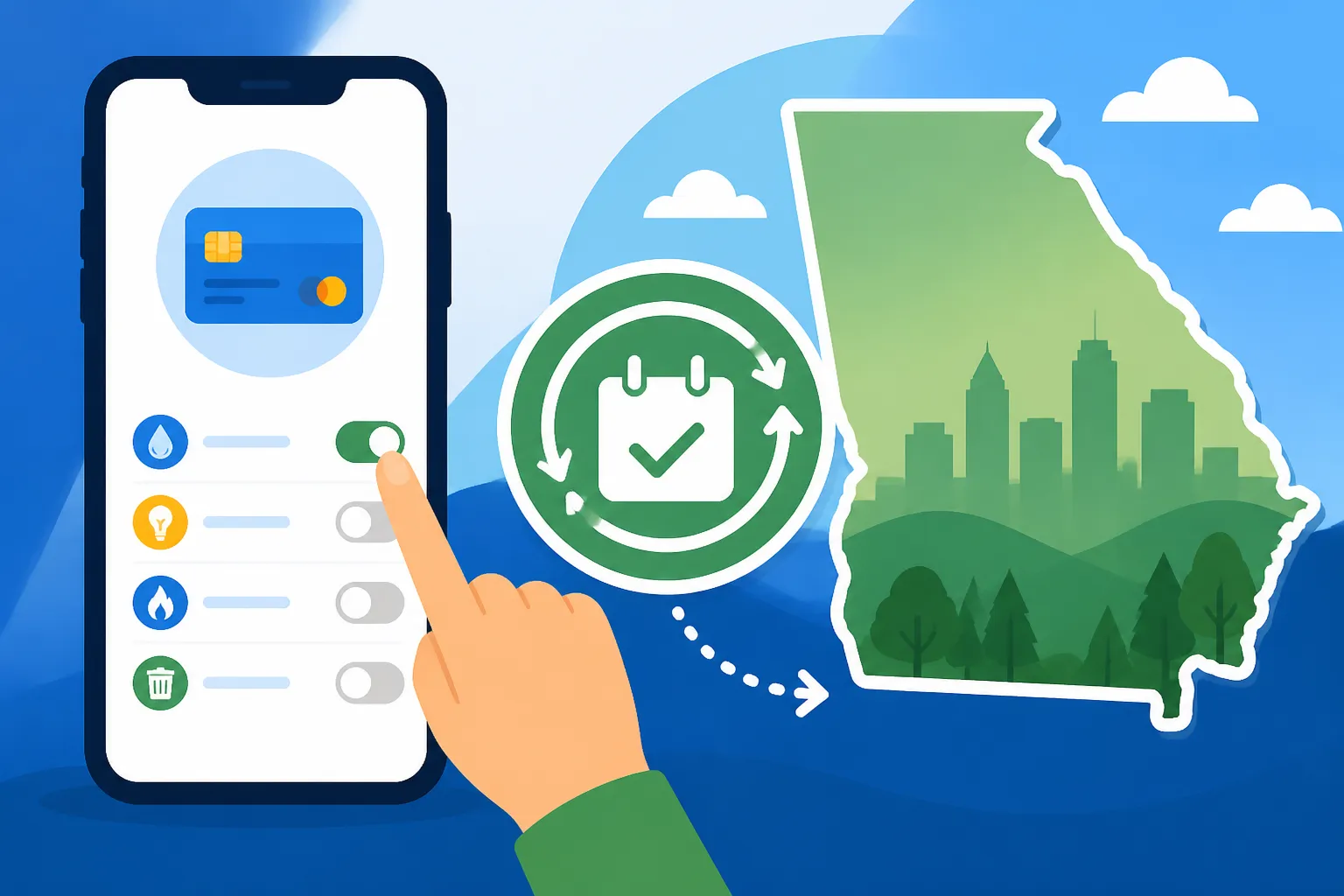
- Set Up Auto-Payment: Once the system recognizes your subscriber number and pulls up your current balance (or indicates no outstanding debt), look for an option like "Create Auto-Payment," "Recurring Payment," or "Auto-Debit."
- Define Payment Parameters:
- Frequency: For utilities, this will almost always be "Monthly."
- Payment Date: Choose a date that works for you, typically a few days before the official due date to give buffer time.
- Payment Type: You might have an option to pay "Outstanding Debt" or "Monthly Invoice Amount." Always choose the latter if available, as it ensures you pay the exact bill each month. Some banks also allow you to set a maximum payment limit, which can be a safety net.
- Confirm and Authorize: Review all the details one last time. Make sure the utility provider, subscriber number, and payment terms are correct. Then, authorize the setup, often with a one-time SMS code or biometric verification.
And just like that, you're done! You've successfully automated a recurring task that used to eat up valuable time and mental energy. For a deeper dive into managing your finances here, check out The Expat Guide to Opening a Bank Account in Georgia.
Directly with Utility Providers (If Available)
While banks are the primary way to set up true auto-pay in Georgia, some larger utility providers for services like internet or mobile may offer their own direct debit or recurring payment options through their dedicated portals or apps. For instance, major internet providers like Silknet and Magti might have sections in their customer dashboards where you can link a card for recurring payments.
However, for core utilities like electricity, gas, and water, direct auto-payment setups with the provider themselves are less common compared to bank-initiated auto-debits. Most Georgians (and therefore most utility company systems) are designed with the expectation that recurring payments are managed via bank services or through the ubiquitous payment terminals. If you're struggling to even find your subscriber numbers, remember that your landlord or real estate agent can often provide them, or you can typically find them on the physical bill. For internet and mobile, the account number is usually clearly visible on any monthly statement or within your online profile. If you're just getting your digital life sorted, our guide on How to Set Up Internet and Mobile Service in Georgia can offer some excellent tips.
Using Payment Terminals (Not Auto-Pay)
It's important to differentiate. While payment terminals like ExpressPay are everywhere and incredibly convenient for one-off payments, they are not a solution for auto-pay. You still have to manually input your details and cash or card each time. They are fantastic for those instances where you forget to set up auto-pay, or if a payment fails and you need to quickly settle a bill, but they won't save you the monthly hassle. Think of them as your reliable fallback, not your primary automated solution. Many expats initially rely on these, only to discover the joy of auto-pay later.
Navigating Common Hurdles and What to Watch Out For
Even with the convenience of auto-pay, the expat journey in Georgia means there will inevitably be a few bumps along the road. Being prepared for these common hurdles can save you a lot of frustration.
Understanding Account Numbers and Billing Cycles
The initial challenge often comes with identifying the correct subscriber or account numbers for each utility. Unlike some countries where a single utility provider might bundle everything, in Georgia, it's usually separate. You'll have one specific number for Telasi electricity, another for GWP water, and yet another for KazTransGas. These numbers are unique to your property and are essential for setting up auto-pay correctly. If you're renting, your landlord should provide these to you. Otherwise, you'll find them prominently displayed on any previous bill.
Billing cycles can also vary. Electricity and gas are usually billed monthly, often with meter readings taking place around the same time each month. Water, however, can sometimes be estimated, or based on the number of residents, and the billing might feel less predictable without a clear meter read. It’s always a good practice to keep an eye on your actual consumption, particularly if you suspect an anomaly. This is also why checking your bank statement after the auto-payment has gone through is a smart habit to cultivate, just to ensure the amount looks right. Our post on Understanding Water and Gas Bills in Georgia provides more context on how these operate.
Language Barriers and Support
While major bank apps are largely in English, and you can switch languages easily, calling customer support for utility providers can sometimes be tricky due to language barriers. Most bank customer service lines (especially for TBC and Bank of Georgia) have English-speaking staff, so they should be your first point of contact if an auto-payment fails or you have questions about the setup. However, if you need to contact Telasi or GWP directly, you might encounter Georgian-only speakers. In such situations, having a Georgian-speaking friend assist you, or using a translation app, can be invaluable. It's a classic expat move to 'phone a friend' for these kinds of calls, and locals are usually very happy to help out.
Keeping Track of Payments
"Set it and forget it" is the dream with auto-pay, but a wise expat knows it's always good to occasionally verify. A quick glance at your bank statement once a month to confirm the utility payments went through is a simple habit that can prevent bigger headaches down the line. What if there's a technical glitch? What if your account number was entered incorrectly and it sailed through the first month unnoticed? What if your funds were insufficient on the payment day? These are rare, but possible.
Checking your bank's transaction history or even logging into a utility provider's portal (if they offer one for viewing statements, even if not for auto-pay setup) to see the payment status is a prudent step. Most utility providers have a basic online portal where you can input your subscriber ID and see your balance and payment history. This proactive approach ensures you catch any issues quickly, preventing service interruptions. Knowing What Is the Average Utility Bill for an Apartment in Georgia? can also help you spot any unusual charges.
Managing Your Utility Accounts Online and On the Go
The beauty of modern banking in Georgia is that managing your finances, including utilities, is largely at your fingertips. This level of digital convenience is a huge win for expats.
Mobile Apps and Online Portals
Your mobile banking app is truly your best friend for managing utility payments. Both TBC Bank and Bank of Georgia offer highly functional and user-friendly applications that allow you to set up, modify, and monitor your auto-payments with ease. You can see your payment history, check upcoming scheduled payments, and even get notifications when a bill is paid. This makes managing your household budget, especially around utilities, far less opaque than it might be in other countries. Remember, when you're first arriving, having a reliable mobile connection, perhaps through an eSIM from a provider like Airalo, can immediately get you online to start setting these things up. This immediate access can really smooth out those initial days.
Beyond your bank, some internet and mobile providers like Silknet and Magti have their own dedicated apps or online portals where you can view your detailed usage, upgrade plans, and manage certain payment aspects. While less common for electricity or gas, it's worth checking if your specific provider offers an English interface for managing your account. These can be useful for granular details that your bank app might not show.
What to Do If Things Go Wrong
Even with auto-pay, sometimes the unexpected happens. Maybe a payment didn't go through, or you received a suspiciously high bill. Don't panic! Here’s a basic action plan:
- Check Your Bank Account: First, verify your bank balance. Was there enough money? Did the payment attempt appear in your transaction history (even as a failed transaction)? Look for notifications from your bank about failed payments.
- Contact Your Bank: If you suspect a problem with the auto-payment setup or a failed transaction, your bank's English-speaking customer service is your first port of call. They can often tell you why a payment failed or if there’s an issue with the auto-pay directive itself.
- Contact the Utility Provider (If Necessary): If your bank confirms the payment was not made and the issue isn't on their end, you might need to contact the specific utility provider. For Telasi, GWP, or KazTransGas, be prepared for potential language barriers and have your subscriber ID ready. Explain the situation clearly, and try to get a clear answer on the outstanding amount and how to settle it quickly.
- Make a Manual Payment: If all else fails and you have an outstanding bill, immediately head to an ExpressPay terminal or use your bank's one-off payment function to settle the amount. This prevents service disconnection and any further late fees. Remember, getting your home set up with essential services is part of the broader relocation process, and for those planning a comprehensive move, platforms like Sirelo can assist with organizing the logistics of shipping your belongings, allowing you to focus on crucial local admin like this.
| Feature / Bank | TBC Bank | Bank of Georgia |
|---|---|---|
| English Interface | Excellent | Excellent |
| Mobile App | Highly Rated | Highly Rated |
| Online Portal | User-Friendly | User-Friendly |
| Ease of Auto-Pay Setup | Very Easy | Very Easy |
| Range of Utilities Covered | Comprehensive (Electricity, Gas, Water, Internet, etc.) | Comprehensive (Electricity, Gas, Water, Internet, etc.) |
| Notifications | Yes (push, SMS, email) | Yes (push, SMS, email) |
| Payment History | Detailed | Detailed |
| Customer Support (English) | Available | Available |
This table shows how both major banks are well-equipped to handle your auto-pay needs, making the choice often a matter of personal preference or which bank you initially opened your account with. For more on the initial stages of getting your living situation sorted, definitely check out How to Sign a Rental Contract and Pay a Deposit in Georgia.
Getting your utility bills on auto-pay is a small but mighty step towards truly settling into your new life in Georgia. It removes a recurring stressor, streamlines your monthly financial management, and leaves you more time to enjoy all the incredible experiences this country has to offer. So go ahead, set it up, and reclaim your time!
Disclaimer
The information provided in this guide is for general informational purposes only and does not constitute financial, legal, or professional advice. While we strive to keep the information up-to-date and accurate, utility policies and banking procedures in Georgia can change. Always consult with your bank or the specific utility provider for the most current and personalized advice regarding your accounts and payments.